Armada Super Fable MotionBook the workshopDownload the skill
01 / 01
FACE CAM - keep clear

Motion design
from one prompt

A 15-second motion film, written entirely in code by Claude Fable 5.2. No keyframes, no After Effects, no generated footage. I made it in three prompts, then folded everything I learned into one prompt and a free Claude Code skill. Both are on this page.

↓ scroll or press space
one dot · 900 frames · 15sFable 5.2
3Prompts it
took me
900Frames, each one
drawn by code
0Keyframes
set by hand
1Skill, free
to download
  1. 01

    On screen

    The film and its six chapters.

  2. 02

    The prompt

    All of it, block by block.

  3. 03

    The process

    What Claude did, in order.

  4. 04

    Use it

    Install, brief, render.

Book the workshop →
01 · On screen

One dot.
Fifteen seconds.

A single orange dot travels through the whole film. It bounces, becomes a period, multiplies into a grid, turns into a sphere and lands as the decimal point in the sign-off.

1.1

Watch the film.

120 BPM, a hit every half second. The music is "Gotta Move" by Captain Joz from Artlist, cut so the drop lands on the dot's first slam.

  • 1920x1080 · 60 fps900 frames, each one a function of time.
  • Three colorsNear-black, bone white, one orange. The orange belongs to the dot.
  • Real motion blurEvery frame is the average of three sub-frames.
  • Sound onArtlist track plus impacts and whooshes made in code.
ONE DOT15s · 16:9Six chapters, one hero, music by Captain Joz (Artlist).
1.2

Six chapters, one hero.

Each chapter proves one skill. The dot carries every handoff, so there is never a cut without a reason.

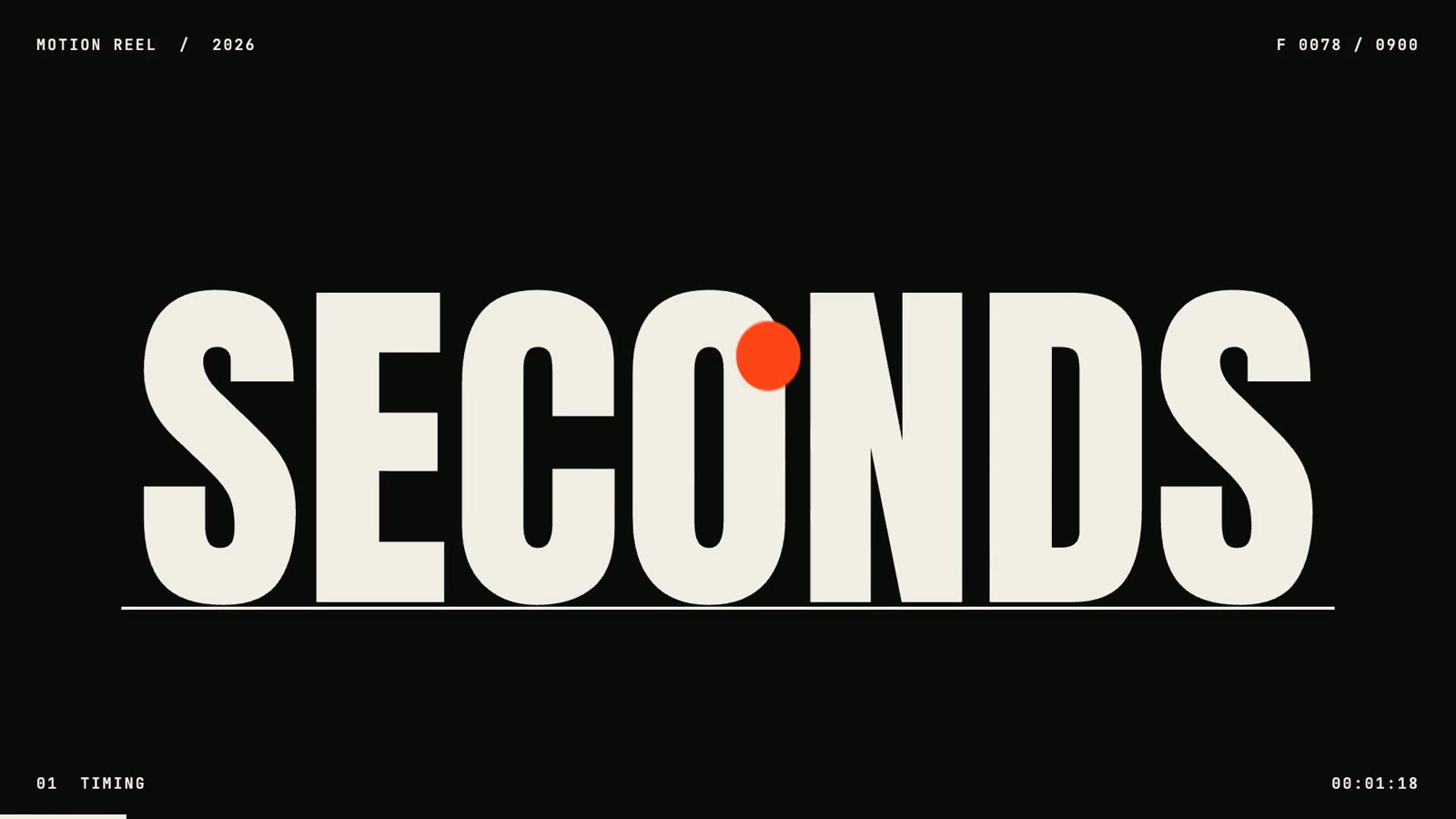
The dot bouncing in front of the word SECONDS

0 - 2s · Timing

The dot drops and bounces on three beats. Every landing pushes a word out of the ground: 15, SECONDS, ONE DOT. Handoff: it slams and floods the frame orange.

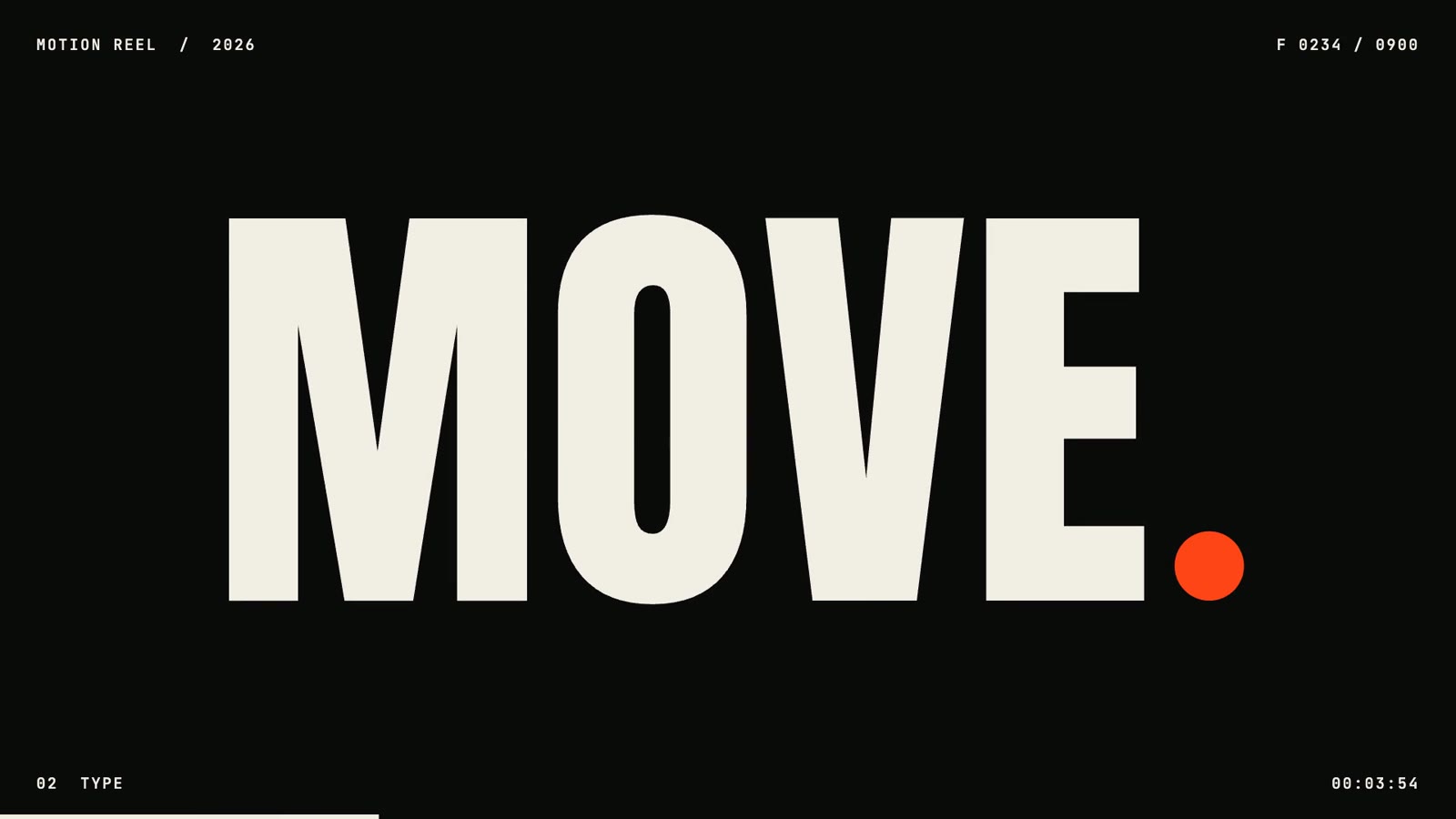
The word MOVE with the orange dot as its period

2 - 4.5s · Type

MAKE slams in, IT locks together from slices, MOVE builds one letter at a time, each with a different entrance. The dot lands as the period. Handoff: the camera dives into it.

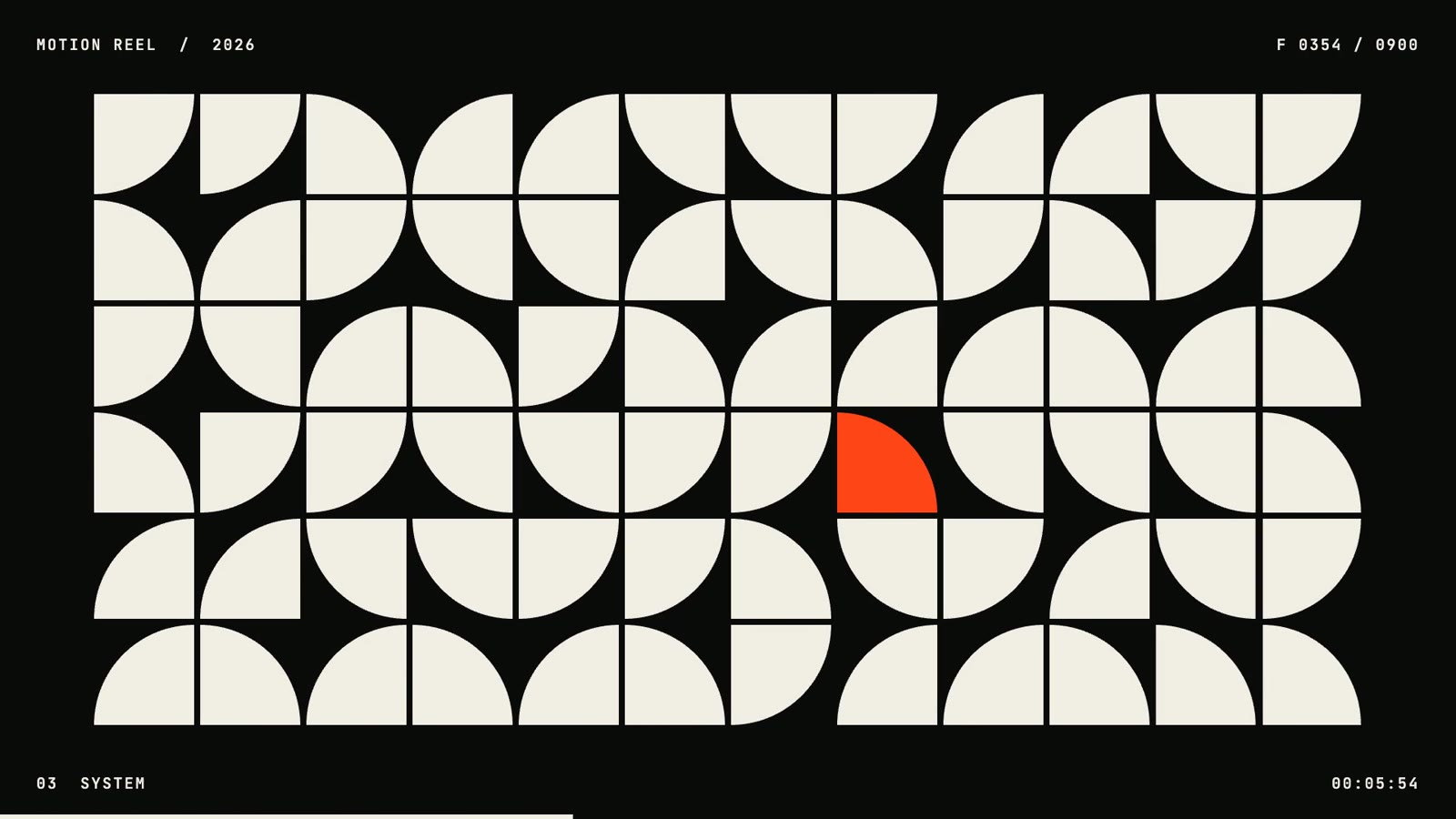
A grid of quarter-circle tiles with one orange tile

4.5 - 7s · System

The camera pulls back to a grid. Dots turn into squares, then random quarter tiles, then snap into order and collapse into one line. Handoff: the line is a ring seen edge-on.

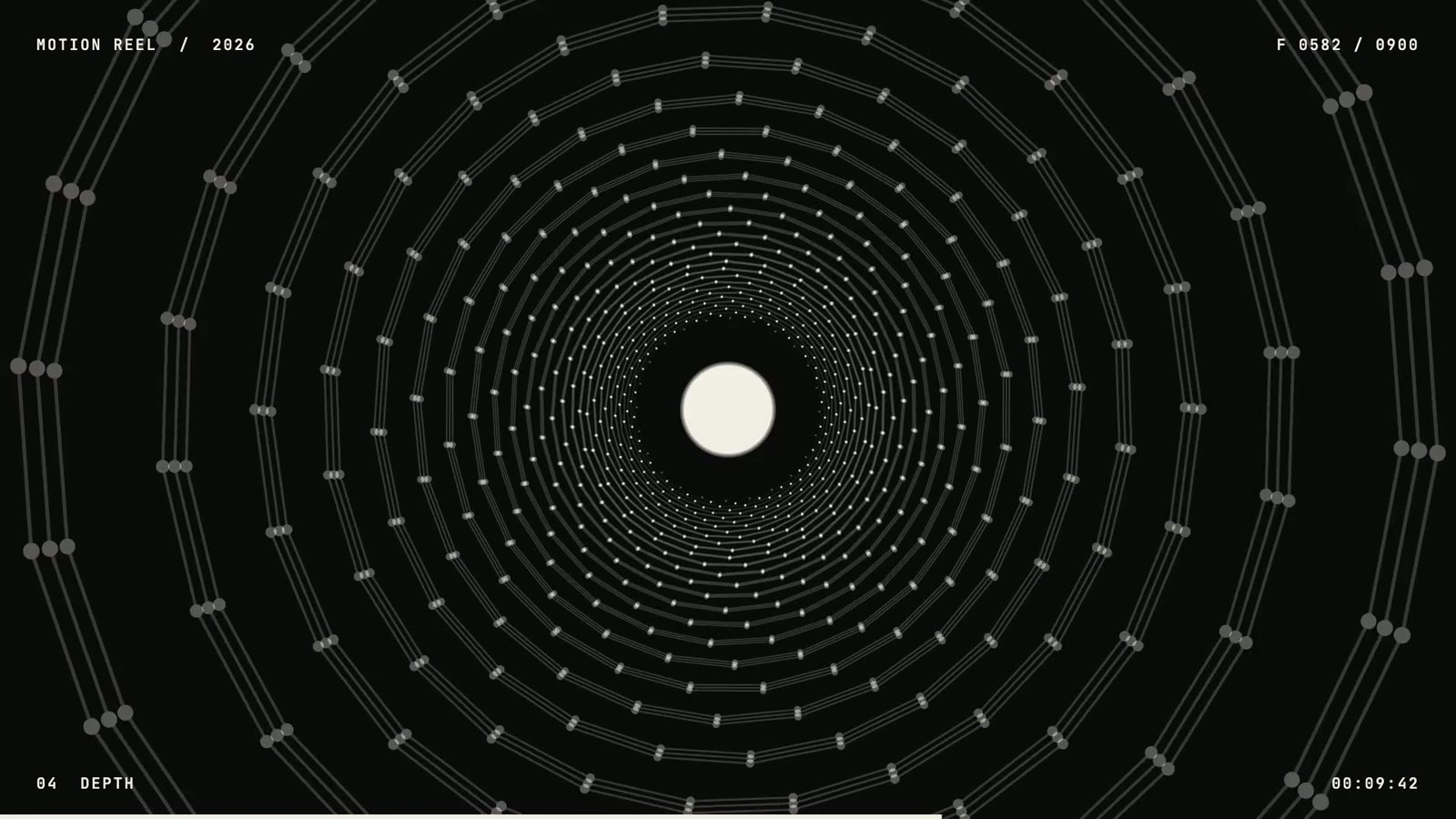
A tunnel of rings with light at the end

7 - 10s · Depth

720 points in 3D: a ring opens into a sphere, flattens into a wave terrain and wraps into a tunnel flight. Handoff: the light at the end fills the frame.

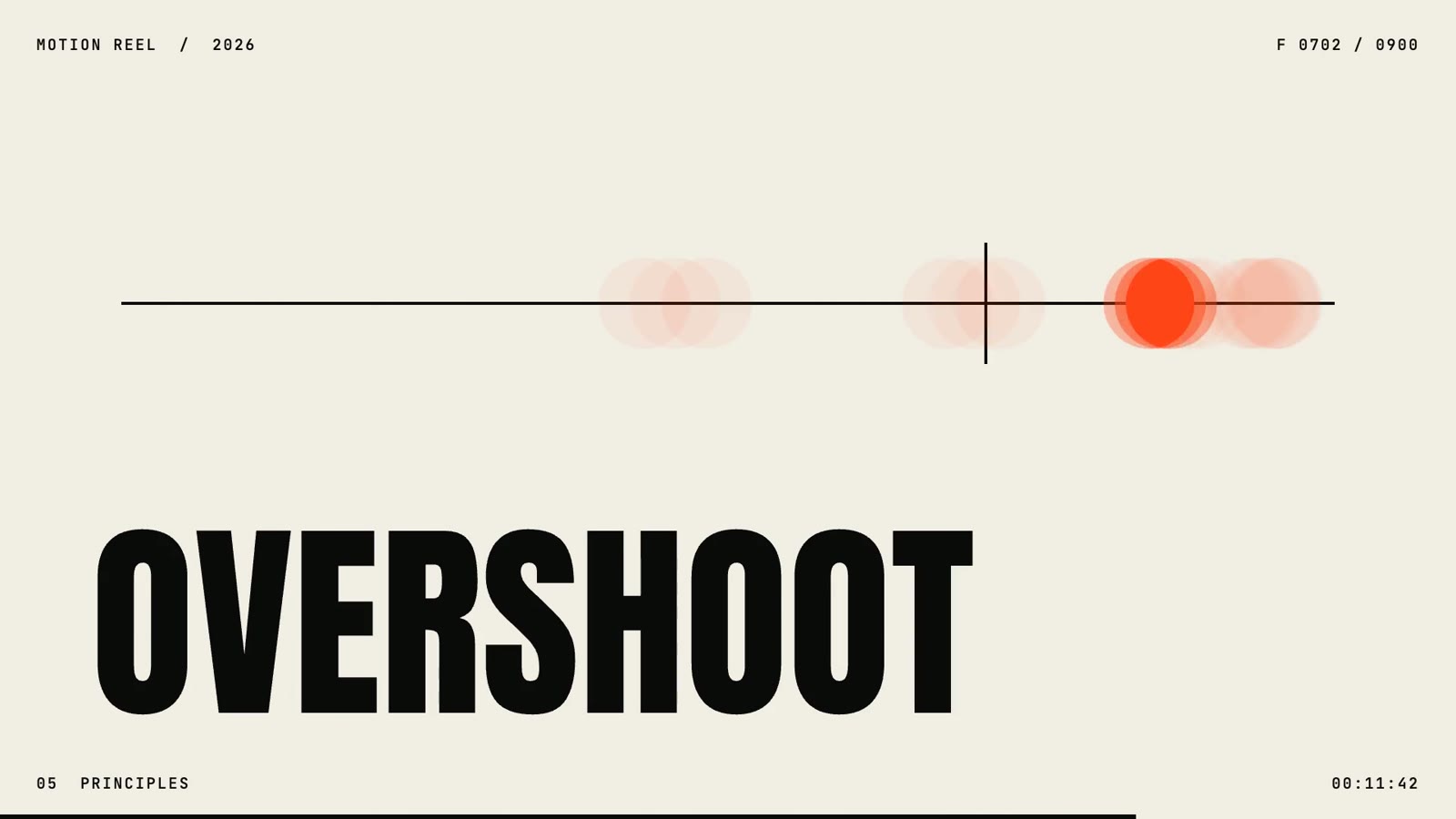
The word OVERSHOOT with the dot springing past a target line

10 - 12.5s · Principles

One animation principle per beat: EASE, SQUASH, STAGGER, OVERSHOOT, ANTICIPATE. The word holds still, the dot proves it. Handoff: the wind-up fires the finale.

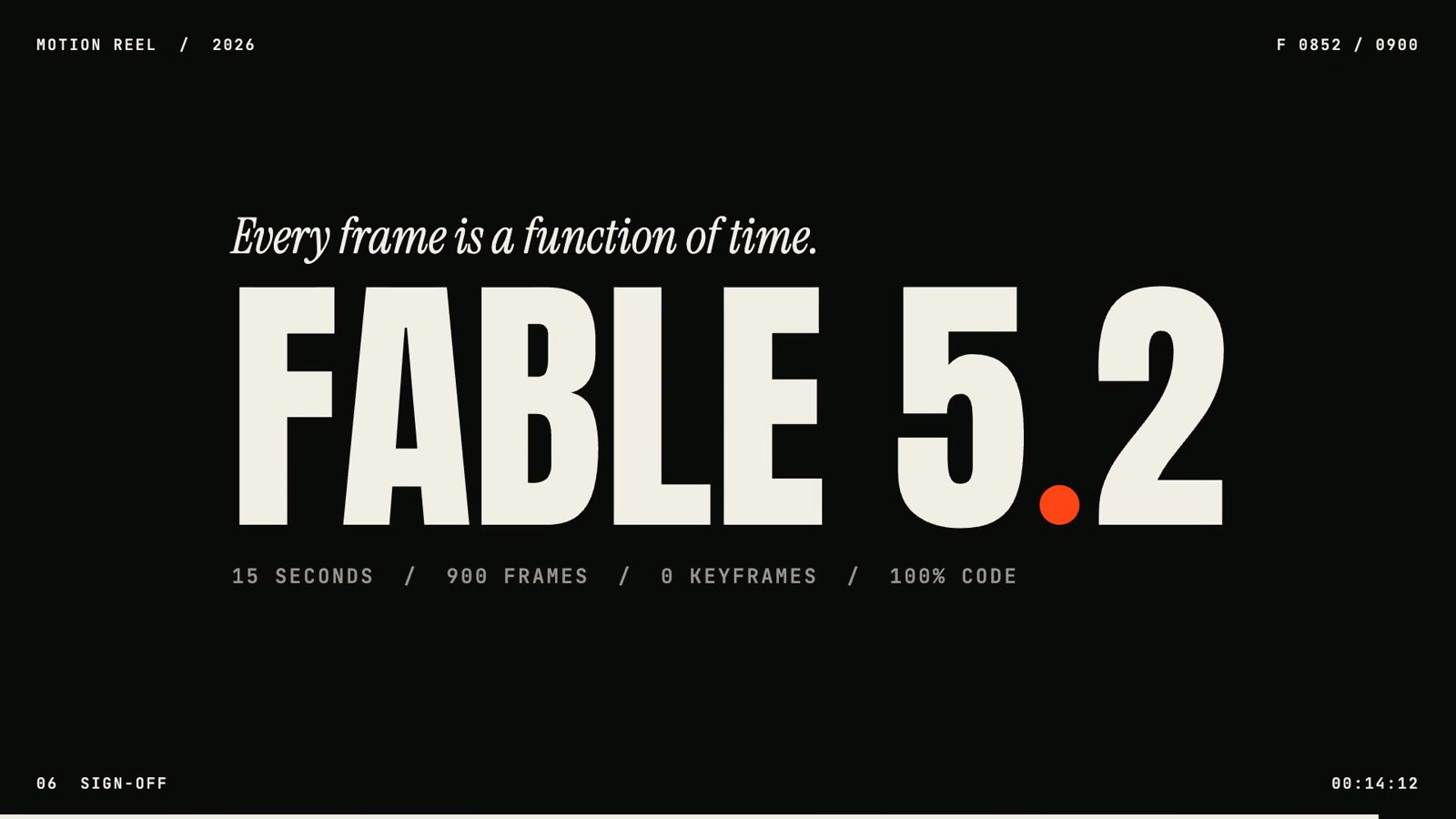
End card: FABLE 5.2 with the orange dot as the decimal point

12.5 - 15s · Sign-off

A burst, the wordmark slams in, and the dot lands as the decimal point in FABLE 5.2. One last hop, and the line that sums it up: every frame is a function of time.

2.1

Prompt: Seven blocks

A director's brief, not a wish. Each block takes one decision away from the model's defaults.

Raise the bar in the first line

Ask for a showreel, not a video. "Treat it as your own showreel" tells the model who the work is for and how hard to try.

The ask
Create a bold, high-energy 15-second motion graphics piece that proves you are a
world-class motion designer. Treat it as your own showreel. 16:9.

One idea, one hero

This block is why it feels like one film and not six clips. The dot is in every scene, and every cut has to pass through it.

Concept
CONCEPT
- One idea carries the whole film: a single accent-colored dot travels through
  every scene and is the hero of each one.
- Six chapters, each proving one skill: timing, kinetic type, a grid system,
  3D depth, animation principles (one principle per beat), sign-off.
- Every scene hands off to the next through the dot (it slams, the camera dives
  into it, it becomes the period, and so on). No unmotivated cuts.
- End card: the wordmark "FABLE 5.2" with the dot as the decimal point, plus the
  line "Every frame is a function of time."

Lock the numbers first

Pick the tempo before anything moves. At 120 BPM a beat is half a second, so every cut has an address and the music will drop straight onto the picture.

Format
FORMAT
- 1920x1080, 60 fps, exactly 900 frames, MP4 with sound.
- 120 BPM. Every cut and every big hit lands on a beat (one beat = 0.5 s).

Three colors, three fonts

Limits make it look designed. The accent is reserved for the hero, so your eye always knows where to go.

Look
LOOK
- Three colors only: near-black, bone white, one hot orange accent.
  The accent is reserved for the dot.
- One heavy condensed display font, one mono font for small labels, one serif
  italic for a single contrast line.
- A small technical HUD in the corners: frame counter, timecode, chapter name.

Code, and a look at its own work

The film is one HTML file. The last line matters most: the model renders stills, looks at them and fixes what is weak before you ever see a frame.

How to build it
HOW TO BUILD IT
- Write it as code: one HTML file drawing on a canvas, where every frame is a
  pure function of time. No keyframes by hand, no generated footage, no stock.
- Animate with rules: squash and stretch, springs, easing curves, staggers,
  real motion blur from sub-frames.
- Before the full render, render stills at every hit, look at them on a contact
  sheet, and fix what is weak. Do not show me an unchecked render.

A real track, cut to picture

The music comes from Artlist at the film's own tempo. The drop lands on the first big hit and the track ends on a downbeat, not on a fade.

Music and sound
MUSIC AND SOUND
- Find the track through the Artlist MCP: uplifting, inspirational, electronic,
  instrumental, 120 BPM so it matches the cut grid.
- Cut the track to picture: its drop lands on the first big hit at 2 s, and it
  ends on a downbeat under the end card, not on a fade in the middle of a phrase.
- Add synthesized impacts and whooshes on top, each landing one frame after its
  visual hit. Master to -14 LUFS.

Say what you do not want

The first line is my one real note on the film. A scene called HOLD stood still for half a second and read as a glitch.

Constraints
CONSTRAINTS
- No frozen frames. Something must be moving in every scene at all times.
  A beat where nothing moves reads as a glitch.
- No gradients, glows, lens flares or decorative particles.
- Not everything centered, and never the same entrance twice in a row.
- Big words hold still while they are read. The graphics move, not the text.
- No em dashes in any on-screen text.

DELIVER
- The final MP4, a poster frame, and a short breakdown of what you made and why.
2.2

Copy the whole thing.

Paste it into Claude Code with the skill installed and the Artlist MCP connected. Swap the subject, the hero and the wordmark for your own.

The one-shot prompt
Create a bold, high-energy 15-second motion graphics piece that proves you are a
world-class motion designer. Treat it as your own showreel. 16:9.

CONCEPT
- One idea carries the whole film: a single accent-colored dot travels through
  every scene and is the hero of each one.
- Six chapters, each proving one skill: timing, kinetic type, a grid system,
  3D depth, animation principles (one principle per beat), sign-off.
- Every scene hands off to the next through the dot (it slams, the camera dives
  into it, it becomes the period, and so on). No unmotivated cuts.
- End card: the wordmark "FABLE 5.2" with the dot as the decimal point, plus the
  line "Every frame is a function of time."

FORMAT
- 1920x1080, 60 fps, exactly 900 frames, MP4 with sound.
- 120 BPM. Every cut and every big hit lands on a beat (one beat = 0.5 s).

LOOK
- Three colors only: near-black, bone white, one hot orange accent.
  The accent is reserved for the dot.
- One heavy condensed display font, one mono font for small labels, one serif
  italic for a single contrast line.
- A small technical HUD in the corners: frame counter, timecode, chapter name.

HOW TO BUILD IT
- Write it as code: one HTML file drawing on a canvas, where every frame is a
  pure function of time. No keyframes by hand, no generated footage, no stock.
- Animate with rules: squash and stretch, springs, easing curves, staggers,
  real motion blur from sub-frames.
- Before the full render, render stills at every hit, look at them on a contact
  sheet, and fix what is weak. Do not show me an unchecked render.

MUSIC AND SOUND
- Find the track through the Artlist MCP: uplifting, inspirational, electronic,
  instrumental, 120 BPM so it matches the cut grid.
- Cut the track to picture: its drop lands on the first big hit at 2 s, and it
  ends on a downbeat under the end card, not on a fade in the middle of a phrase.
- Add synthesized impacts and whooshes on top, each landing one frame after its
  visual hit. Master to -14 LUFS.

CONSTRAINTS
- No frozen frames. Something must be moving in every scene at all times.
  A beat where nothing moves reads as a glitch.
- No gradients, glows, lens flares or decorative particles.
- Not everything centered, and never the same entrance twice in a row.
- Big words hold still while they are read. The graphics move, not the text.
- No em dashes in any on-screen text.

DELIVER
- The final MP4, a poster frame, and a short breakdown of what you made and why.

The skill carries this brief, the engine and the checks.
03 · The process

No timeline.
A film written as math.

Claude did not open an editor. It wrote one HTML file where you give it a timestamp and it draws exactly that frame. Everything else follows from that.

3.1

Eight steps.

I gave the brief and the notes. Claude made every call in between and told me what it chose.

01 · ConceptOne idea: a single dot travels through six chapters
02 · Numbers15s, 60 fps, 900 frames, 120 BPM, a hit every half second
03 · CodeOne HTML file on a canvas. Every frame is a function of time
04 · RulesSquash, springs, easing and staggers written as math
05 · CheckStills at every hit, read on a contact sheet, weak frames fixed
06 · Render900 frames, three sub-frames each for real motion blur
07 · SoundArtlist track mapped and cut to the beat, SFX one frame after each hit
08 · DirectionI caught one dead beat. It became the wind-up for the finale
The idea

Every frame is a function of time. A fix is one number and a re-render.

3.2

It checks its own frames.

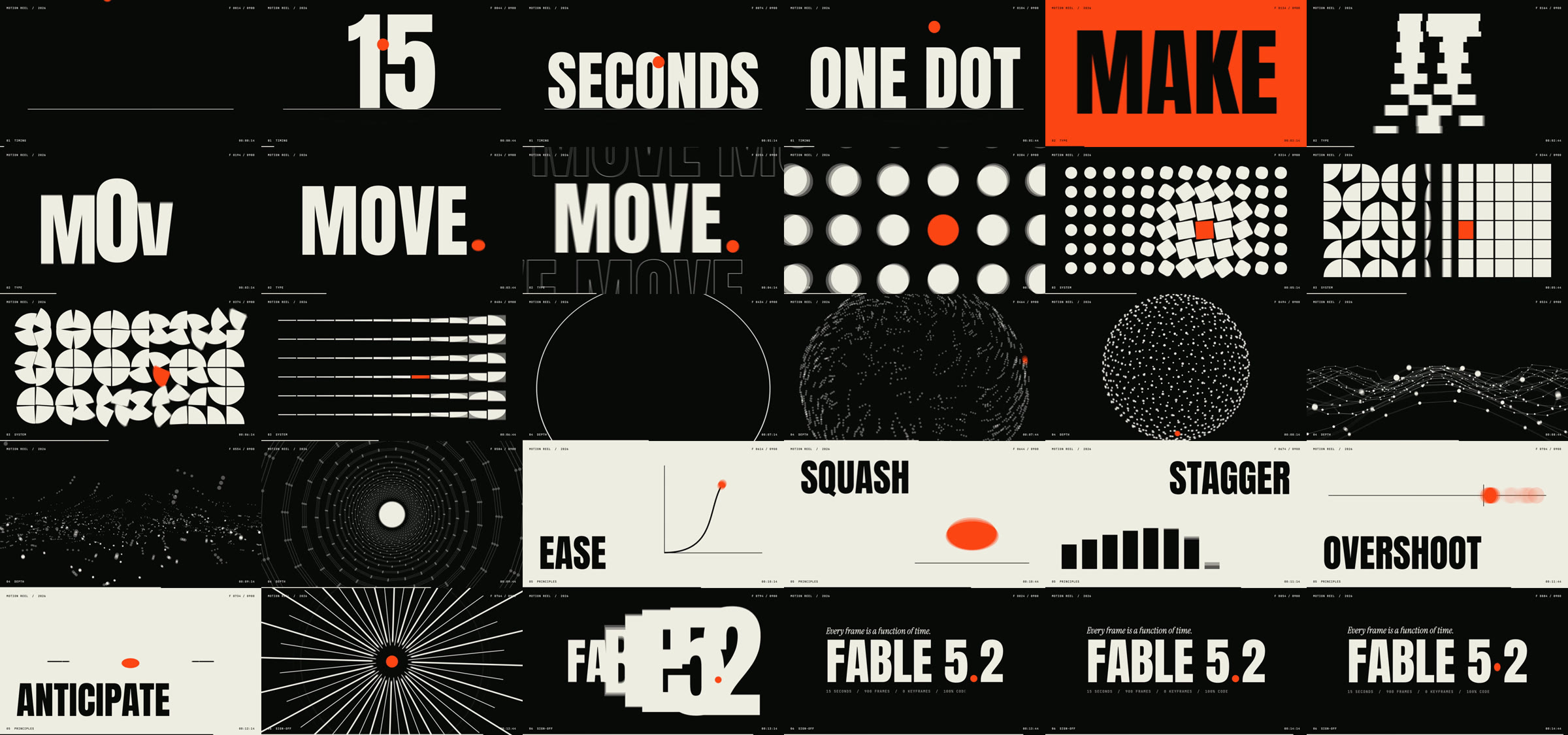
Before the full render Claude pulled stills, laid them out like a contact sheet and wrote notes by frame number: sphere too small, burst too thin, end card off-center. Then it fixed them.

Contact sheet of the finished film: thirty frames, two per second, from the first bounce to the FABLE 5.2 end card
The finished film at two frames per second. The same kind of sheet Claude read after the first render.
04 · Use it

Install once.
Direct any subject.

One folder in Claude Code. You name the subject and the hero, and the skill writes the brief, the film, the checks and the sound.

01Download the skill →
02Drop it into your skills folder
03Name a subject and a hero
04Give your notes, get the MP4
4.1

Give the brief.

Talk to Claude like you would brief a motion designer: the subject, the length, the hero, the name on the end card.

  1. Unzip into ~/.claude/skills/

    You get one folder, fable-motion-design. It needs Node, ffmpeg and Python with numpy. Run the one setup line in the skill once, then restart Claude Code.

  2. Give the brief

    Name the subject, the length and the hero element. Leave the rest out and the skill fills it in and tells you what it chose.

  3. Direct it

    Watch the first version and give notes like you would to a person: this beat is dead, this word is too small. Each fix re-renders only that part.

Example brief
Use the fable-motion-design skill. Make a 15-second motion piece for my studio, 16:9. The hero is a single gold square. End card: the wordmark "ARMADA" with the square built into it. Music from Artlist: uplifting, electronic, 120 BPM. Show me the contact sheet notes, then the final MP4.
Your next move

Install the skill.
Direct your first motion design video.

One folder for Claude Code: the one-shot brief, the ONE DOT source as a starting engine, the renderer, the frozen-frame check and the music cut scripts.

Download the skill →

Free. Enter your email on the next page and get the skill in your inbox.

Running a team? Book a free 20-minute audit call with Armada Super →